 Image 1 of 4
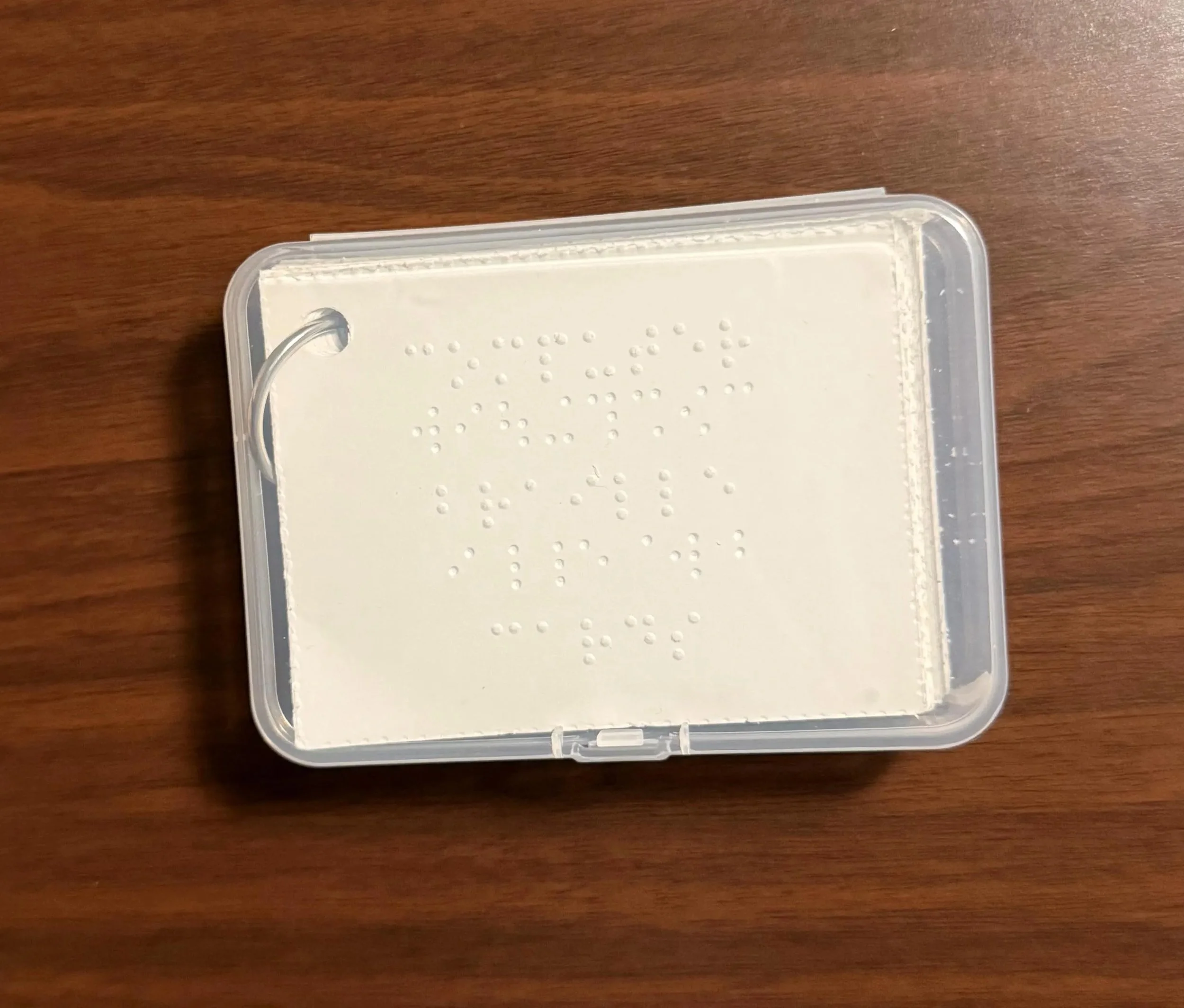 Image 2 of 4
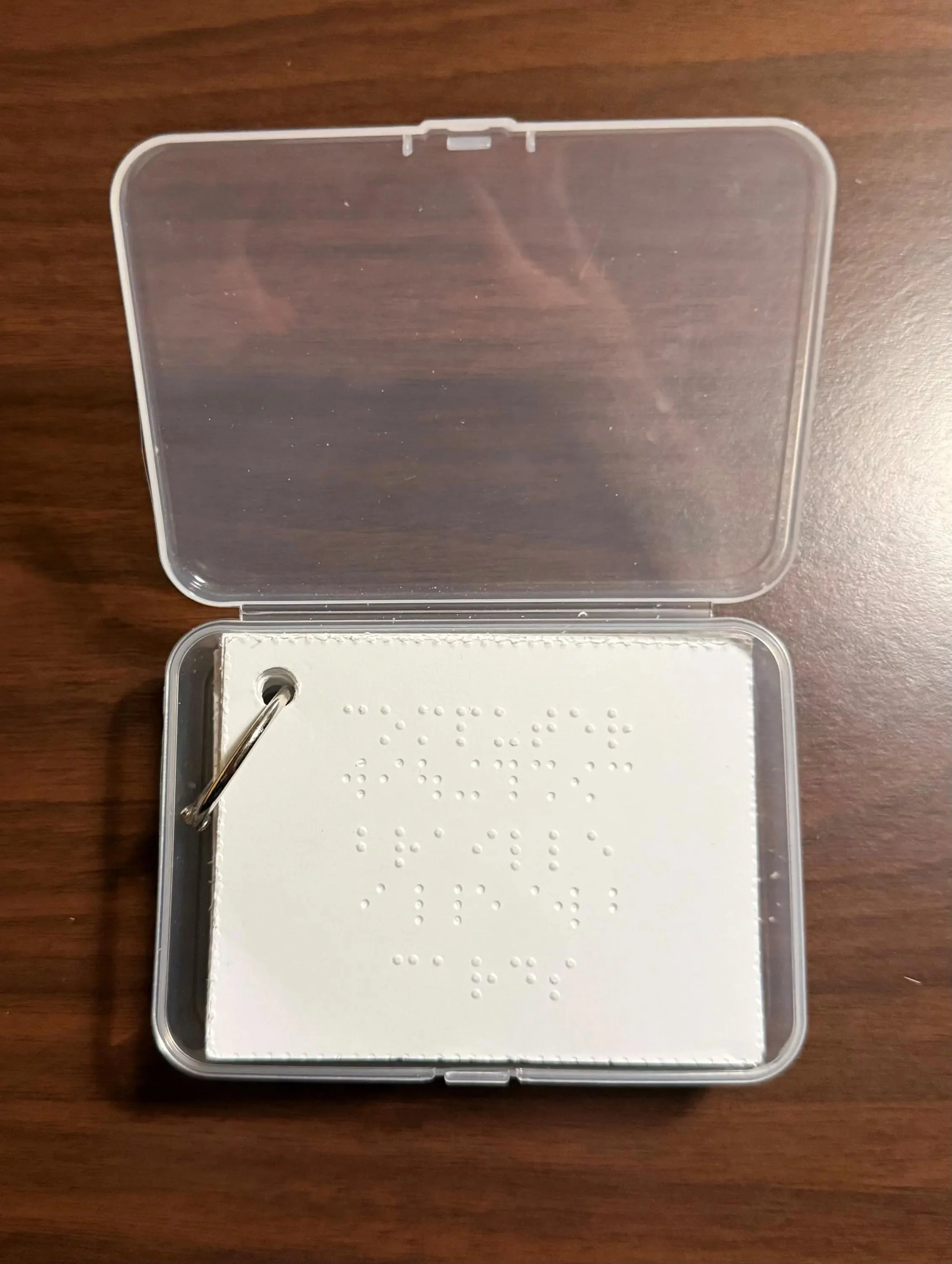 Image 3 of 4
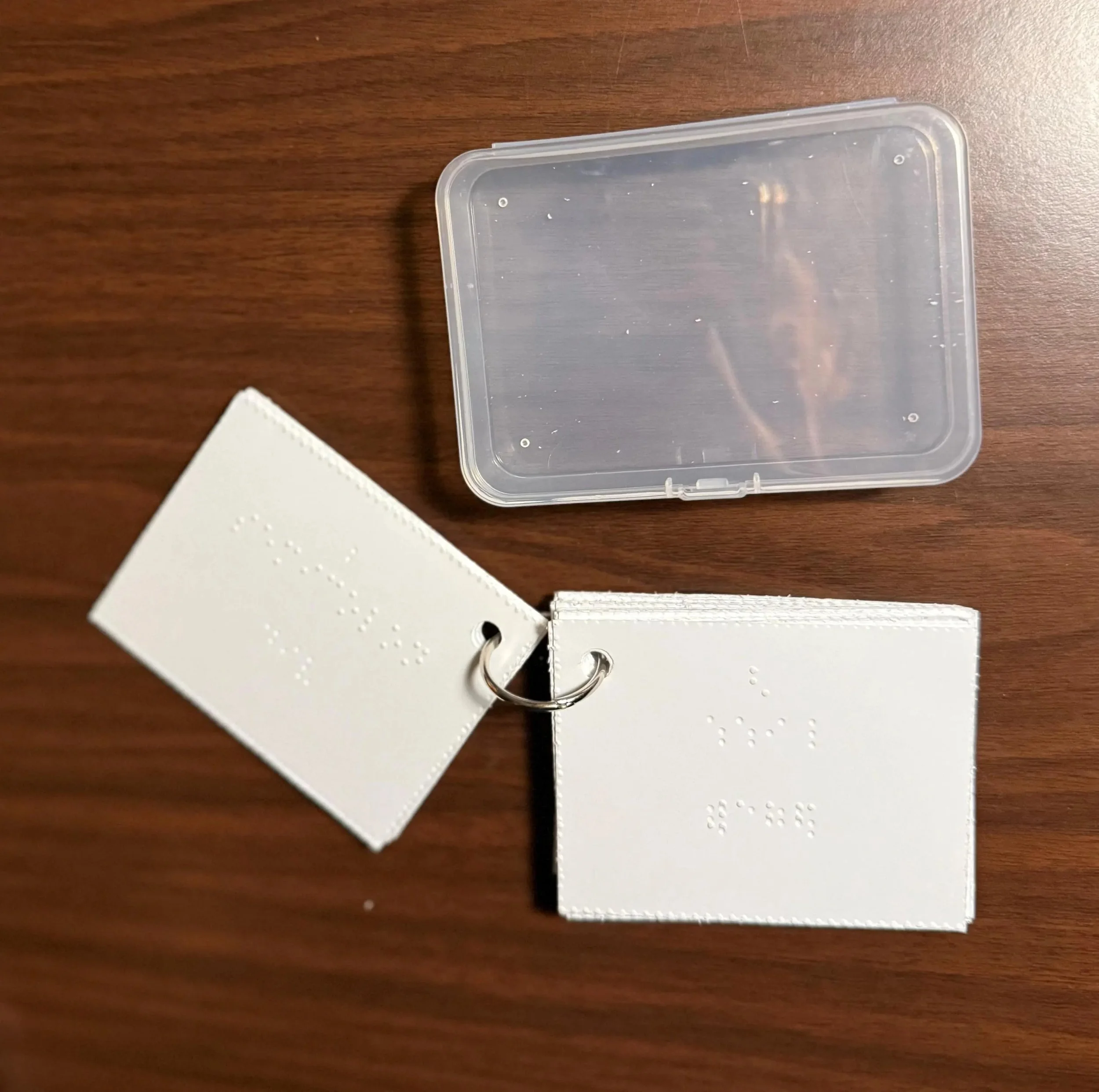 Image 4 of 4
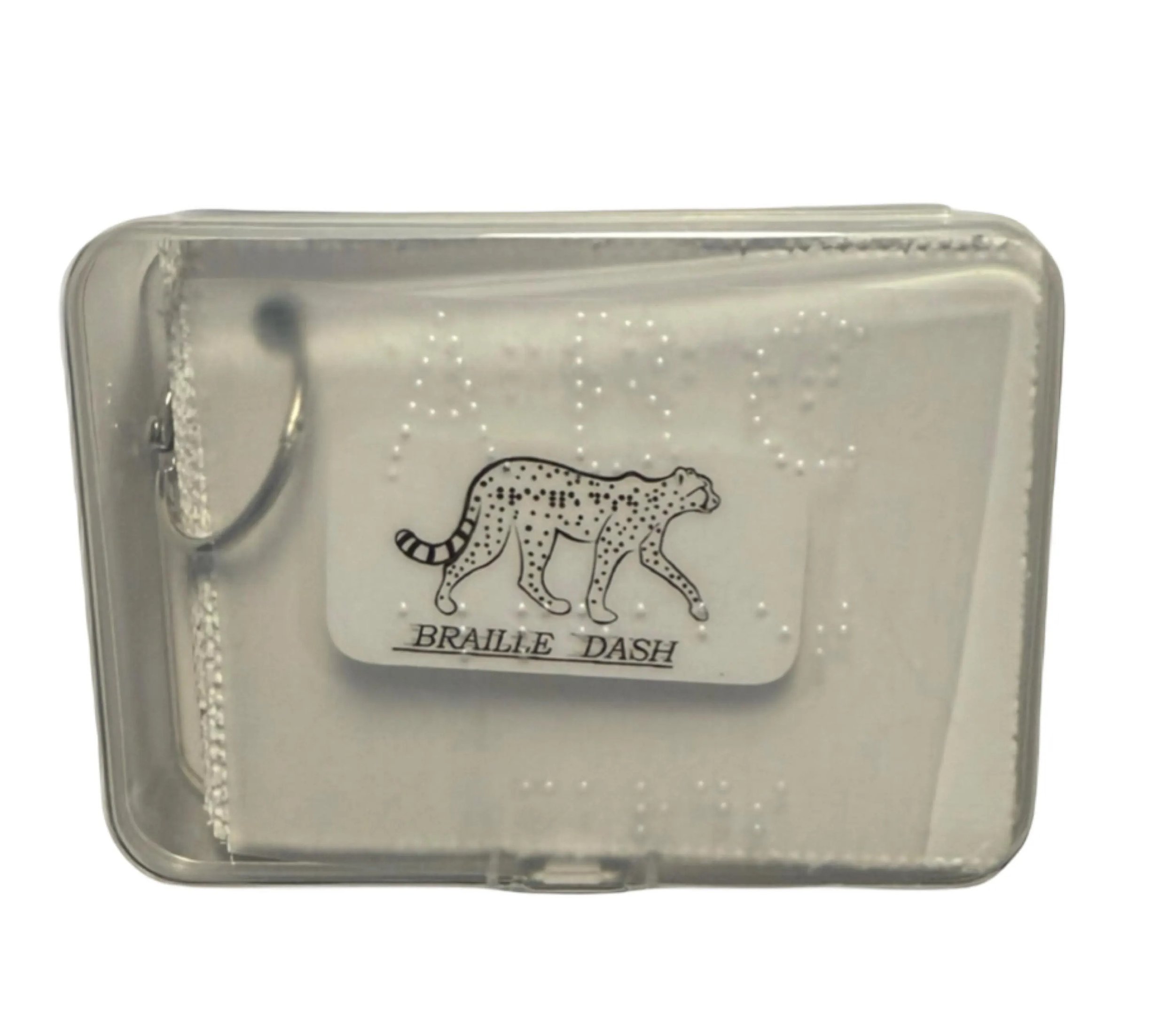
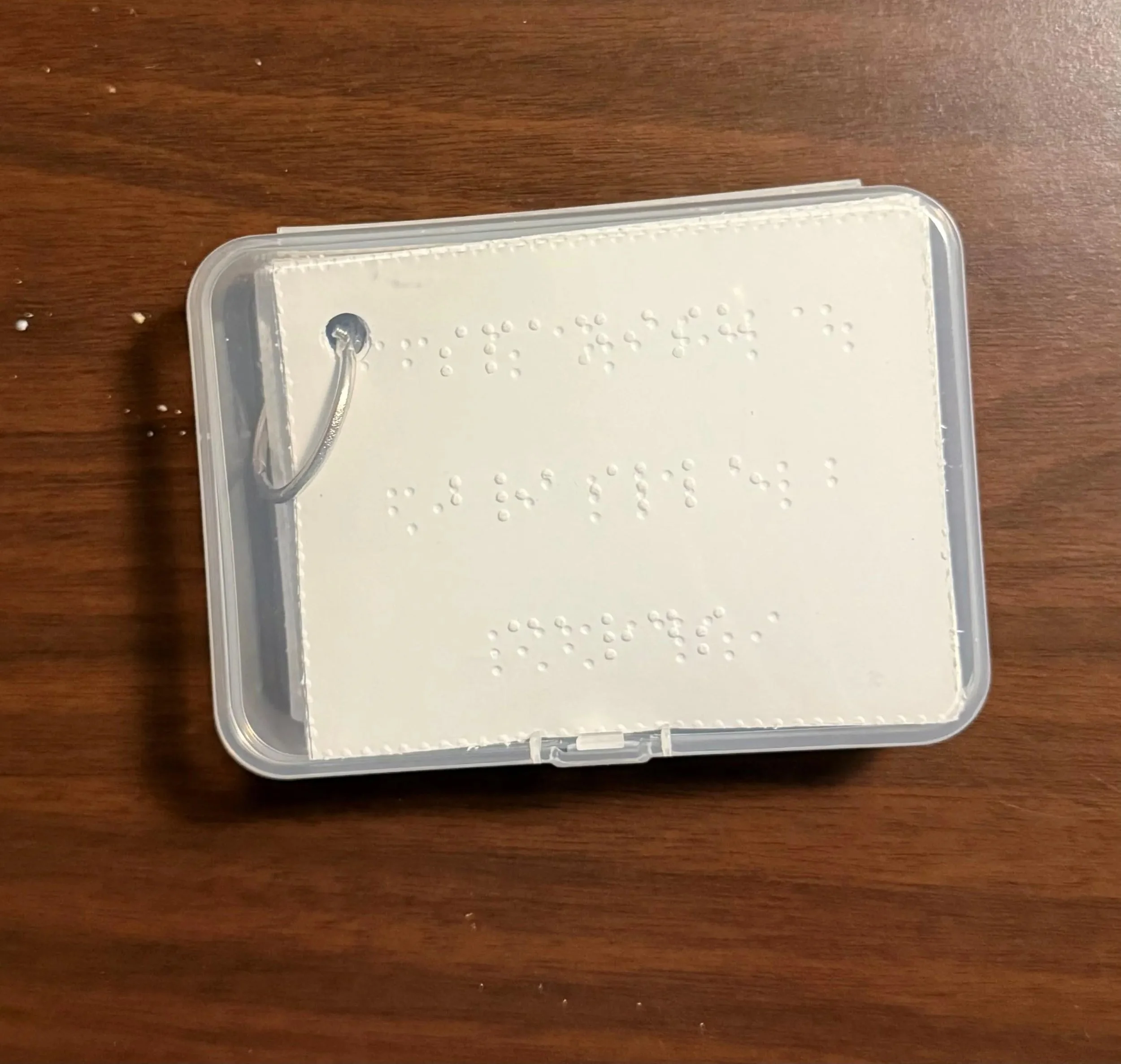
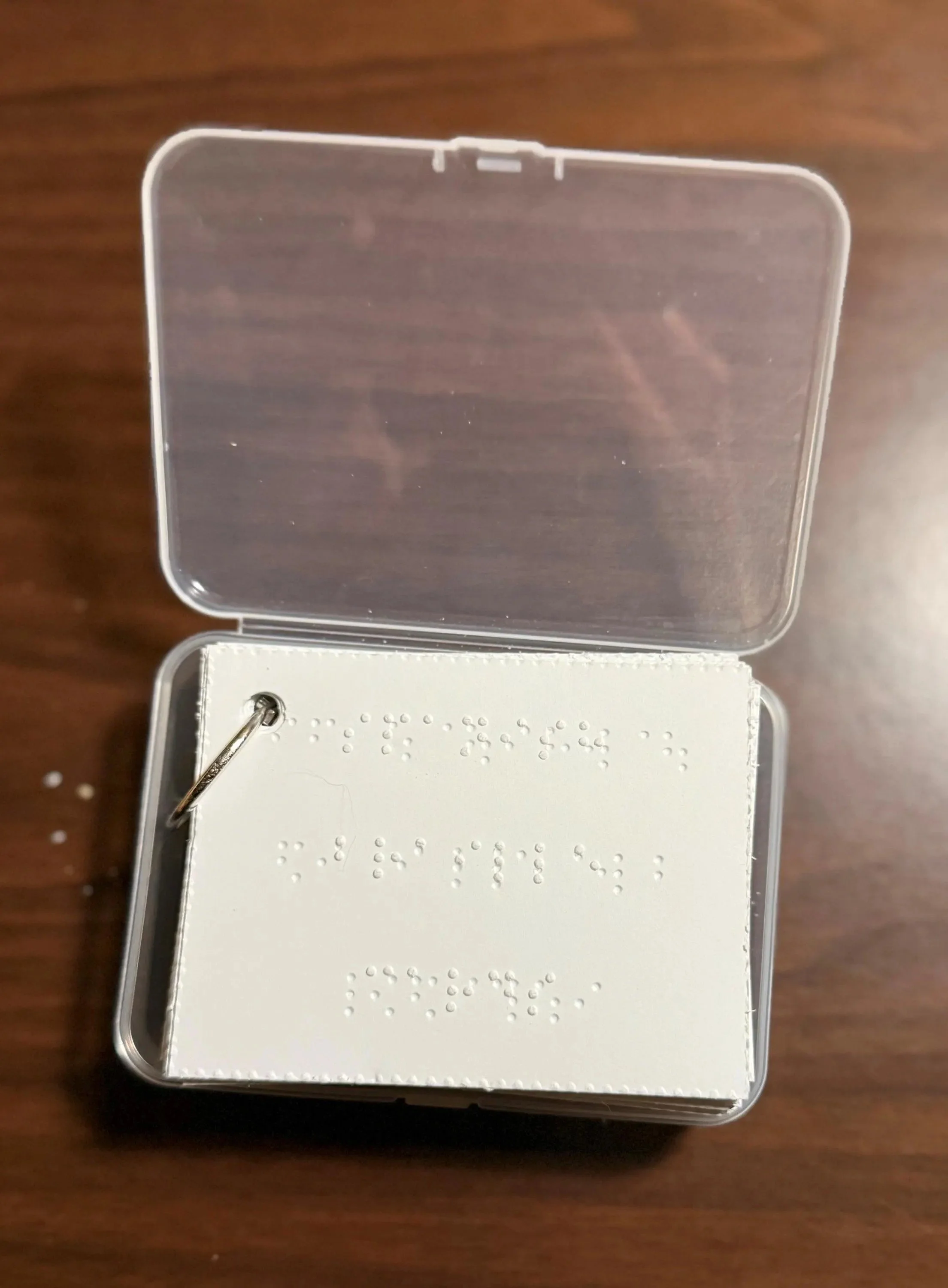
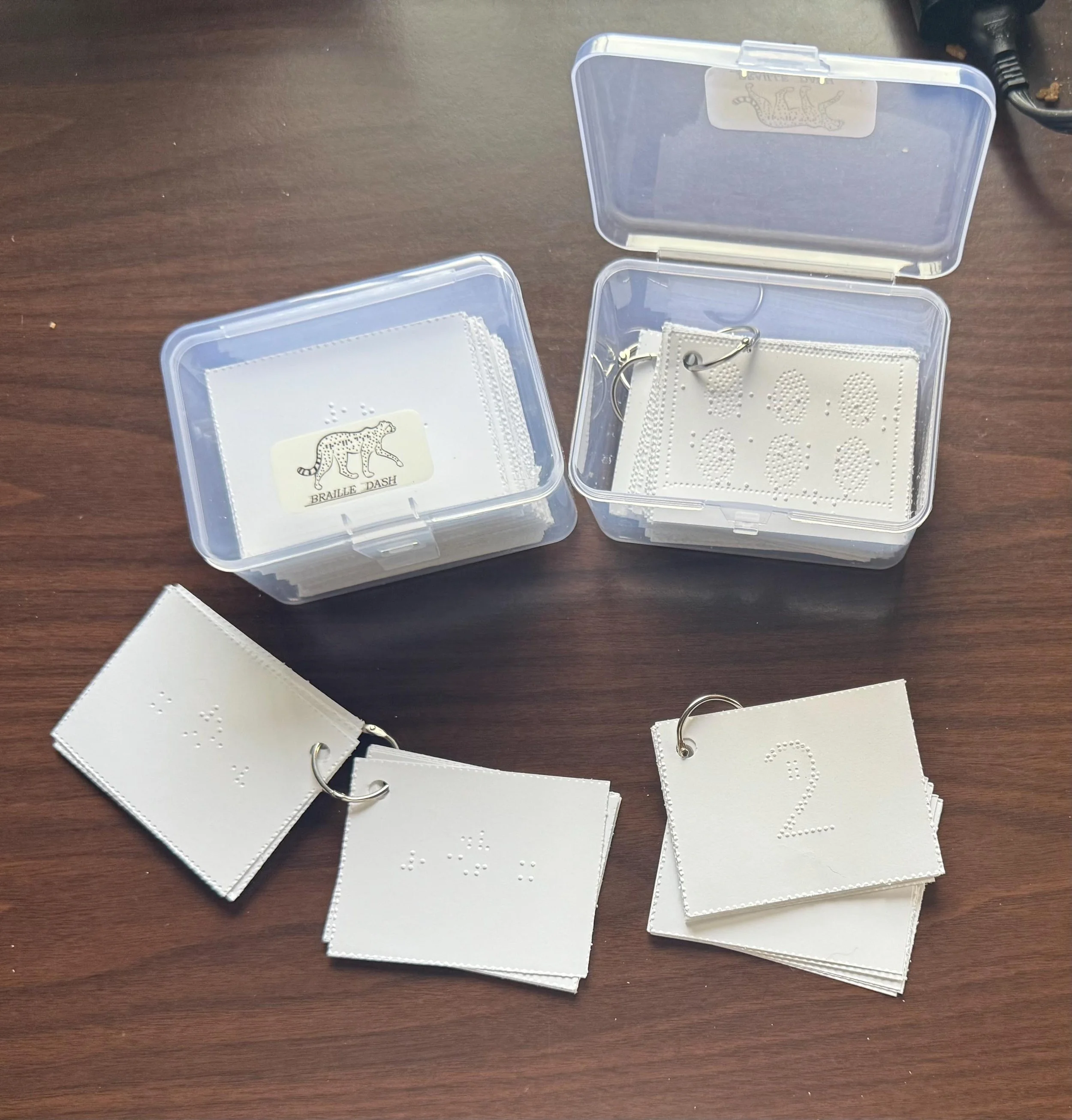
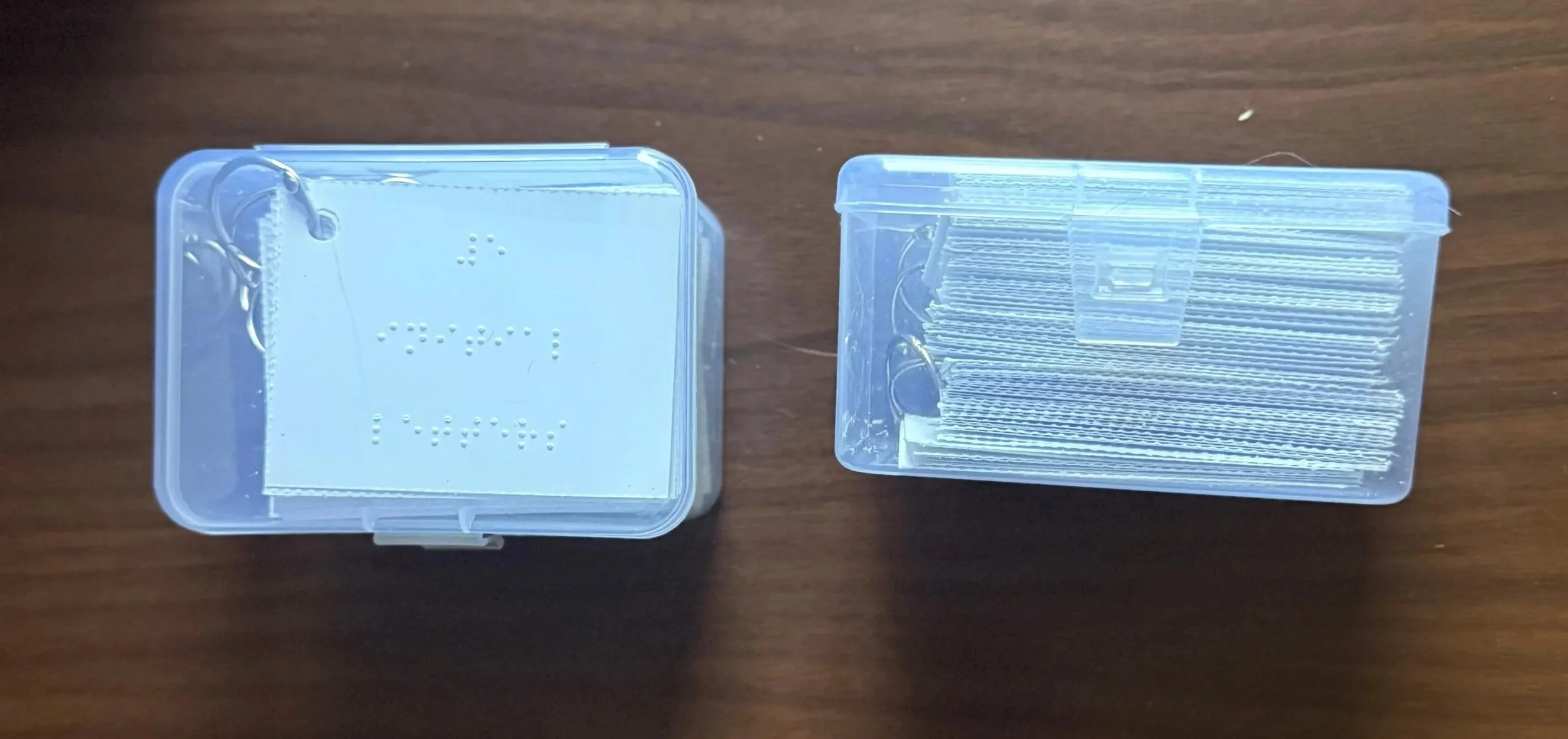
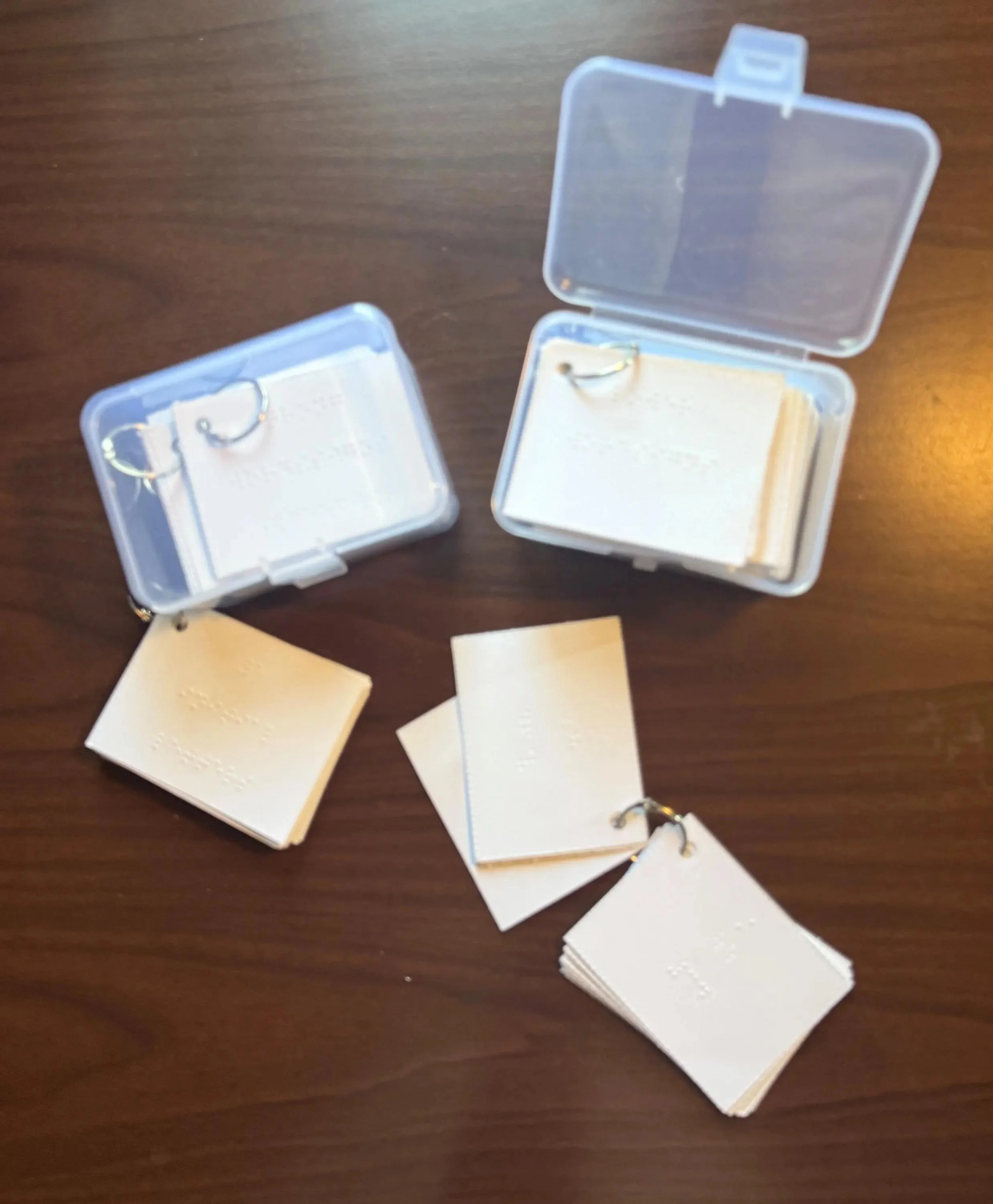
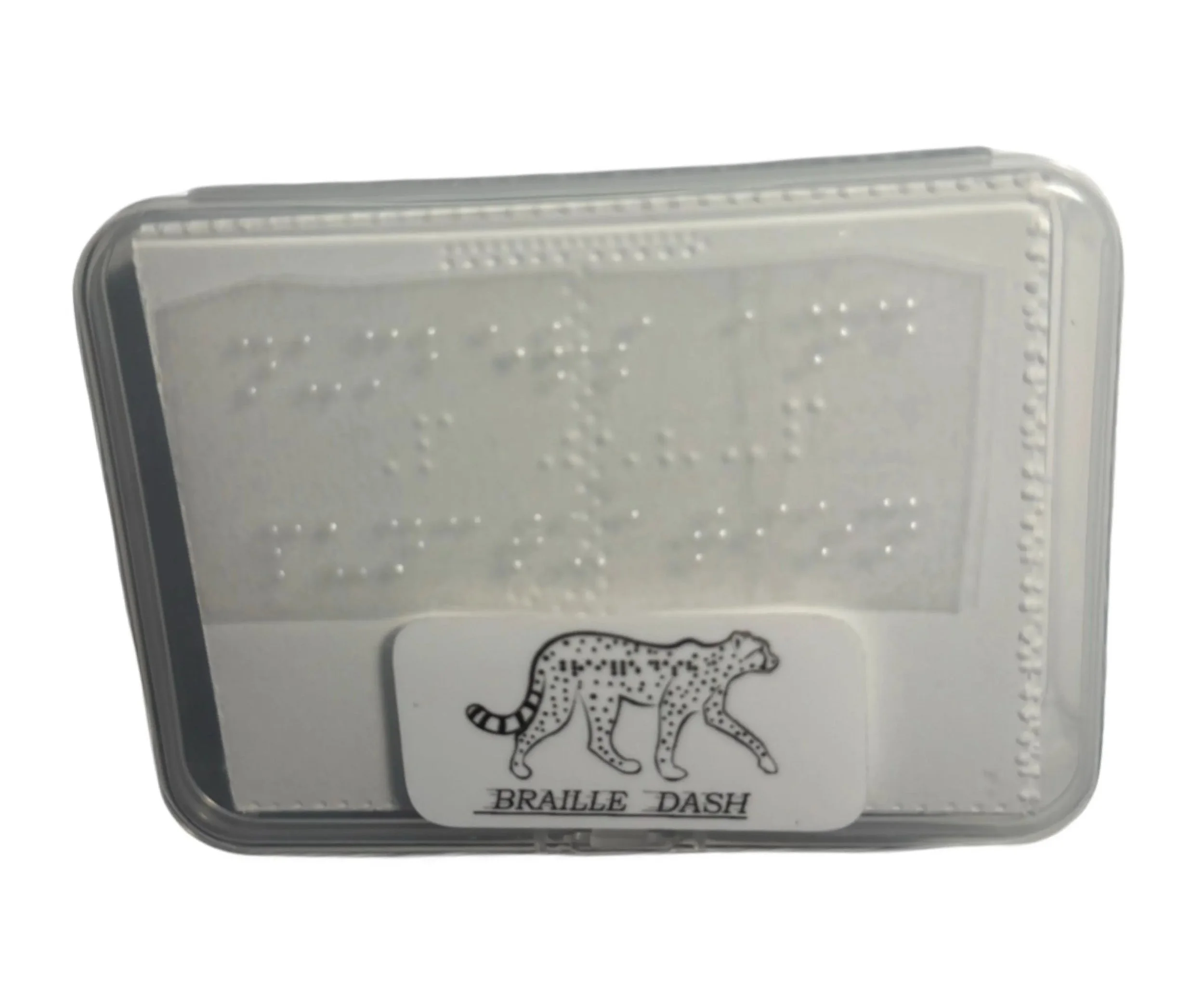
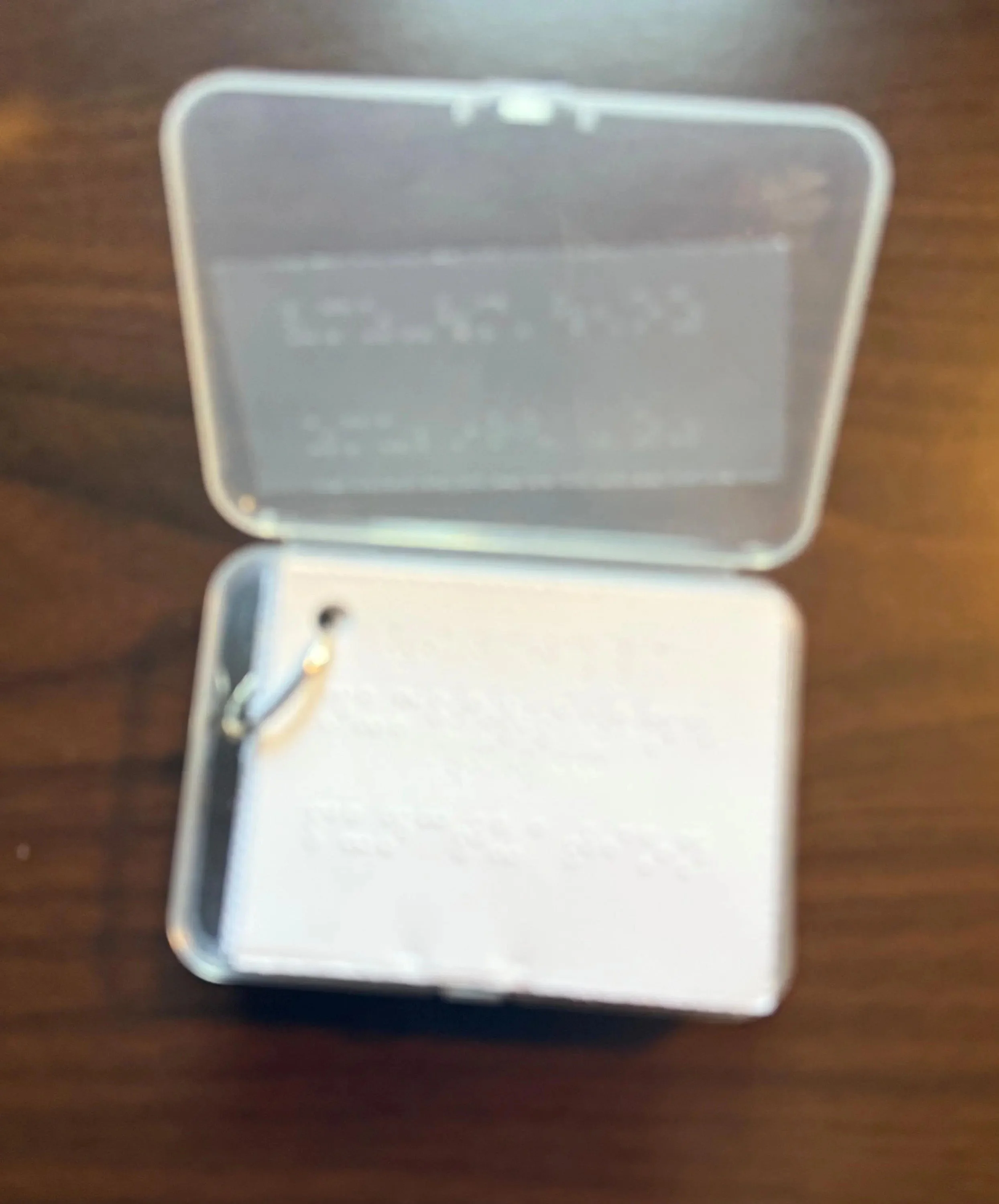
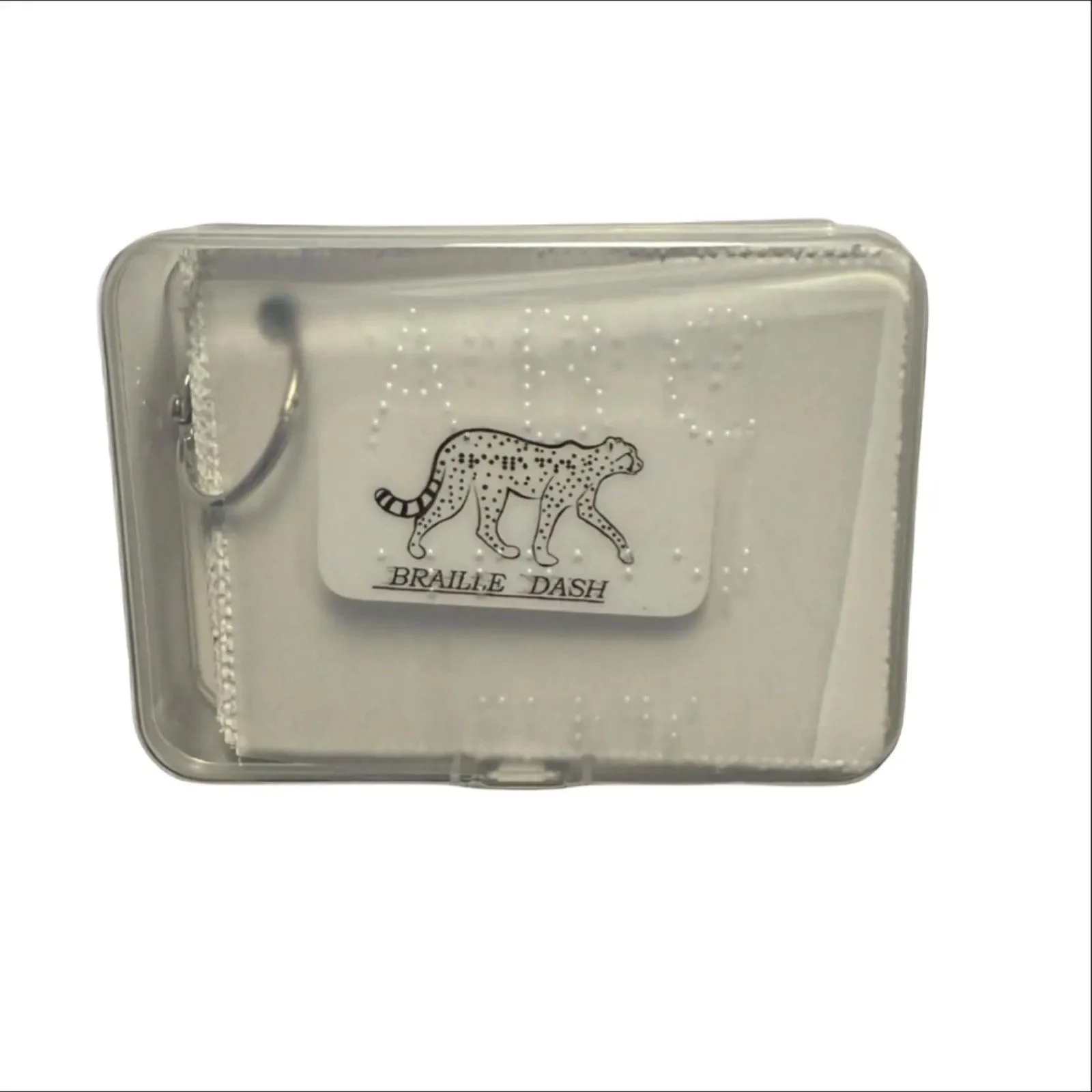
This compact set of Computer Braille Flashcards is designed to help blind and low vision learners master the 8-dot braille system used on braille displays and other electronic devices. Aligned with Unified English Braille (UEB) standards, these tactile flashcards support independent, hands-on learning of digital braille symbols.
Tactile and Portable Learning for Braille Display Users
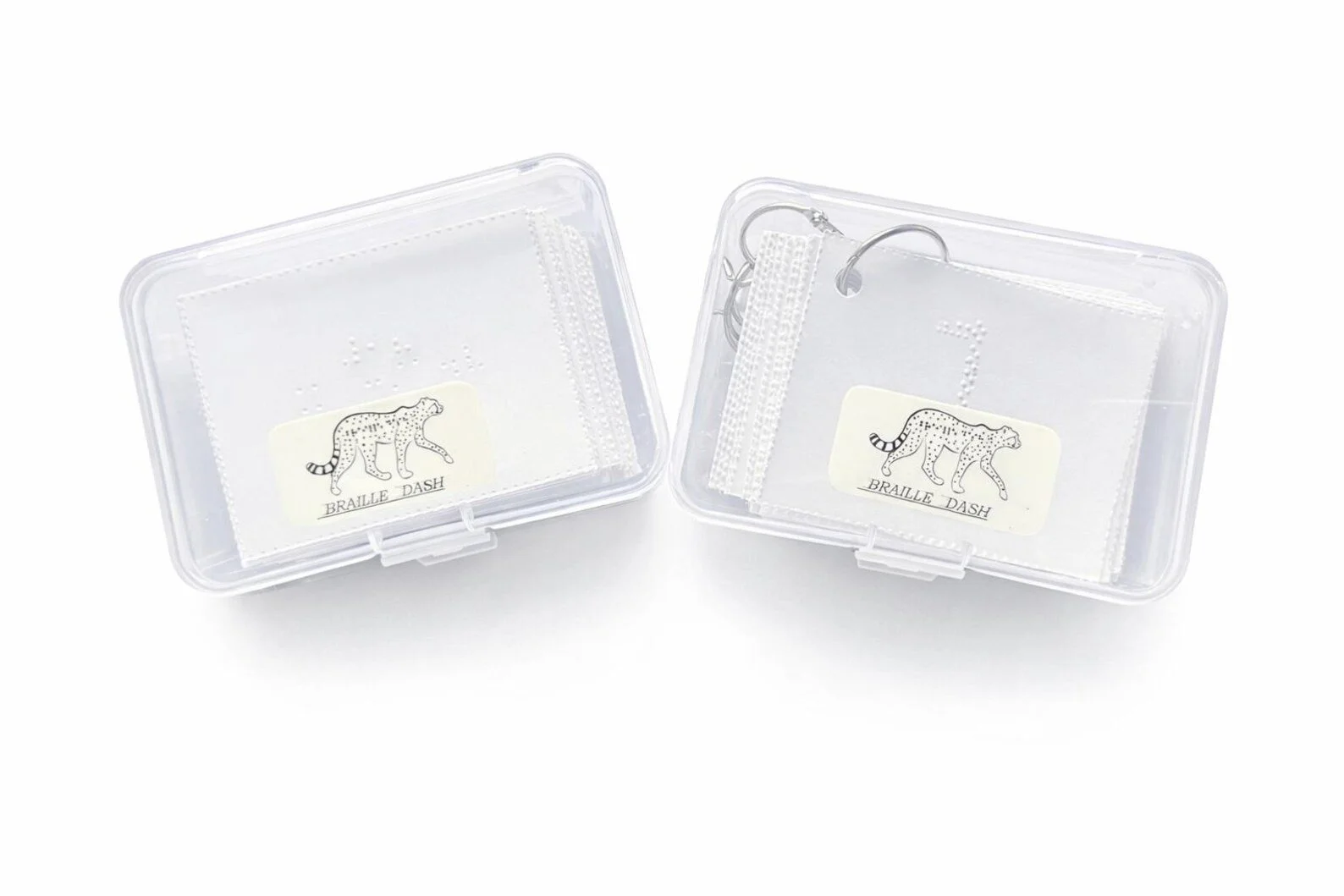
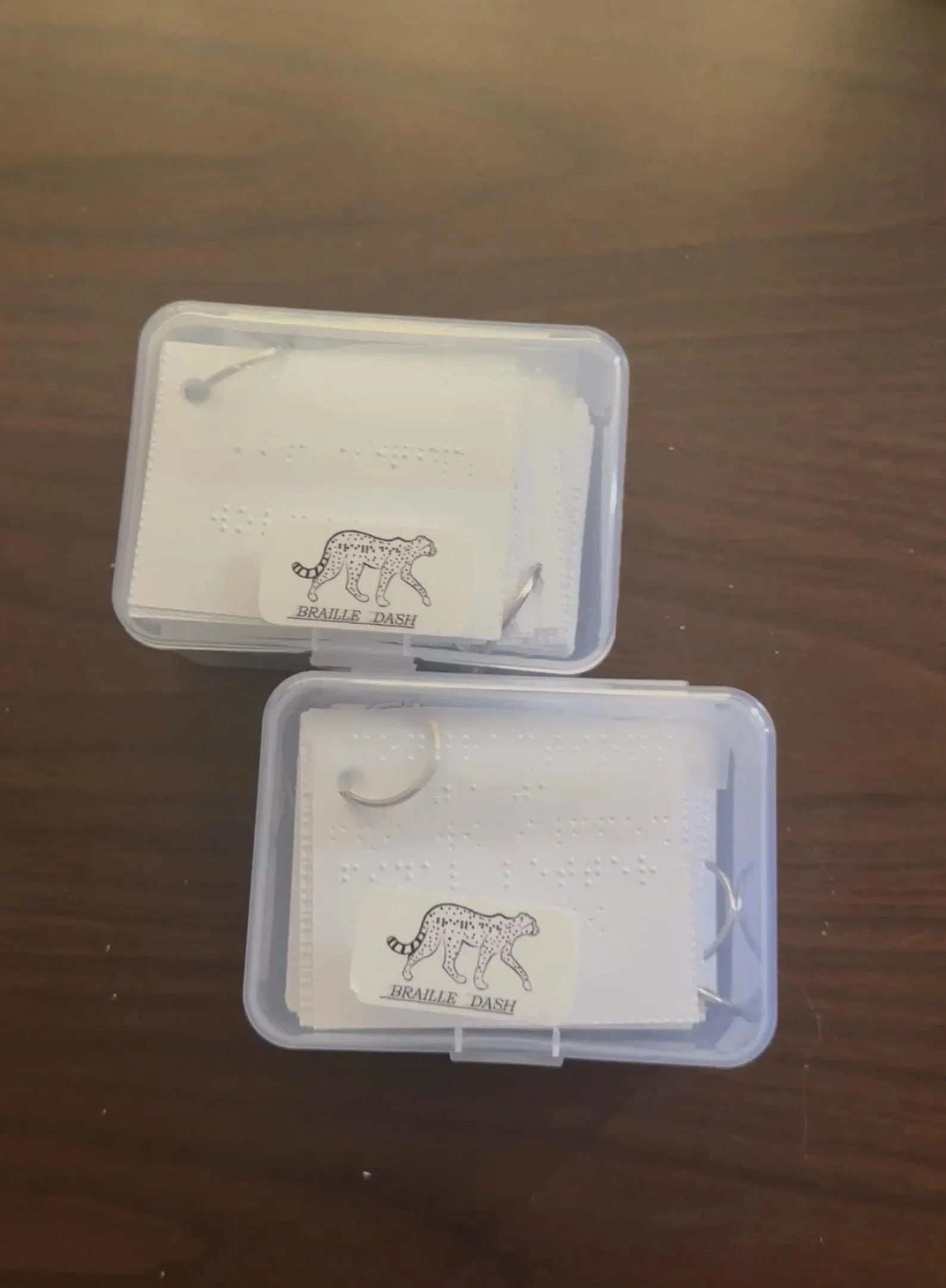
Housed in a small, clear plastic case for easy storage and transport, this all-in-one set makes learning computer braille convenient and accessible—perfect for students, professionals, and anyone using a braille display.
How to Use These Flashcards:
Designed for independent tactile use by individuals who are blind or visually impaired.
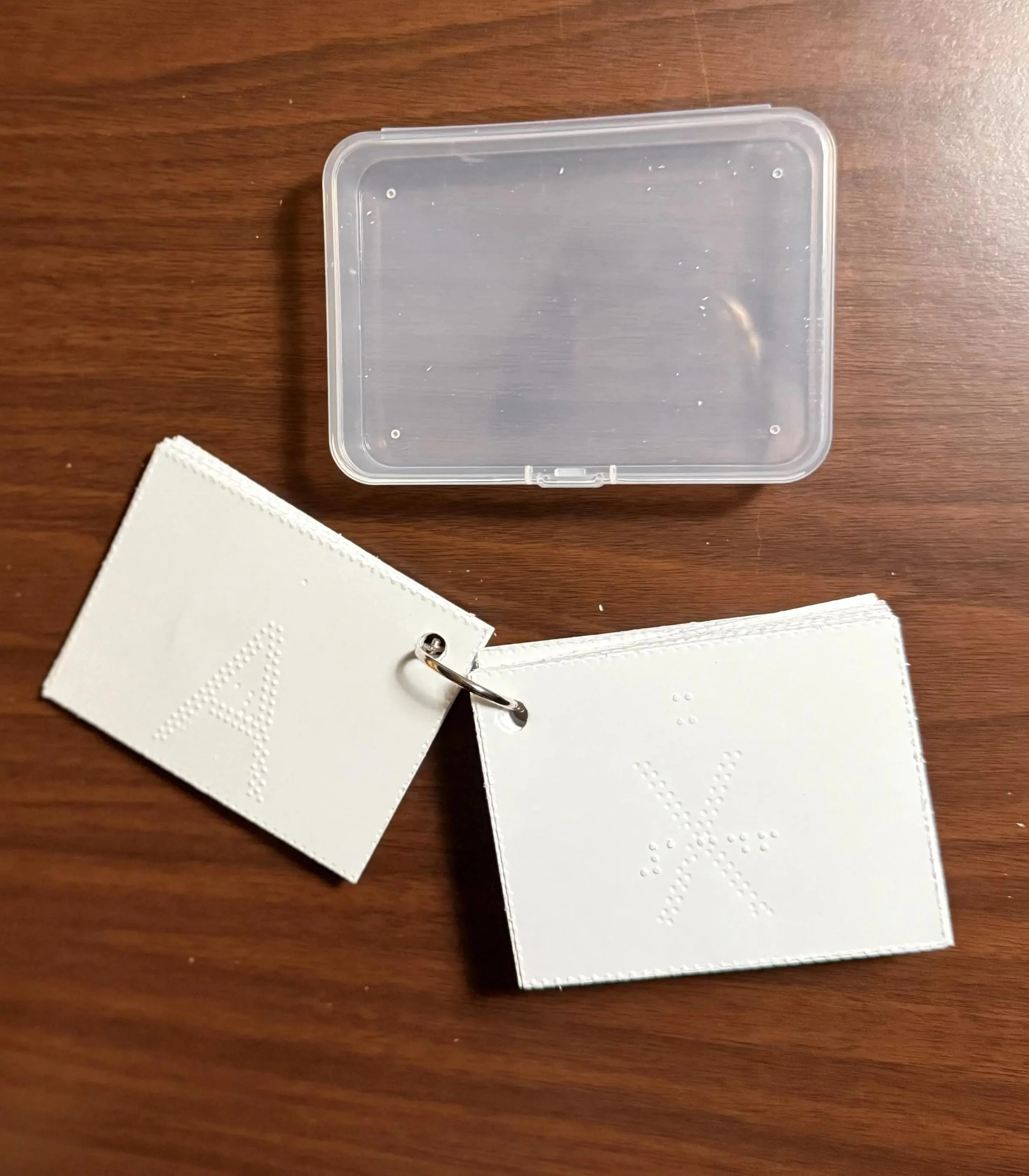
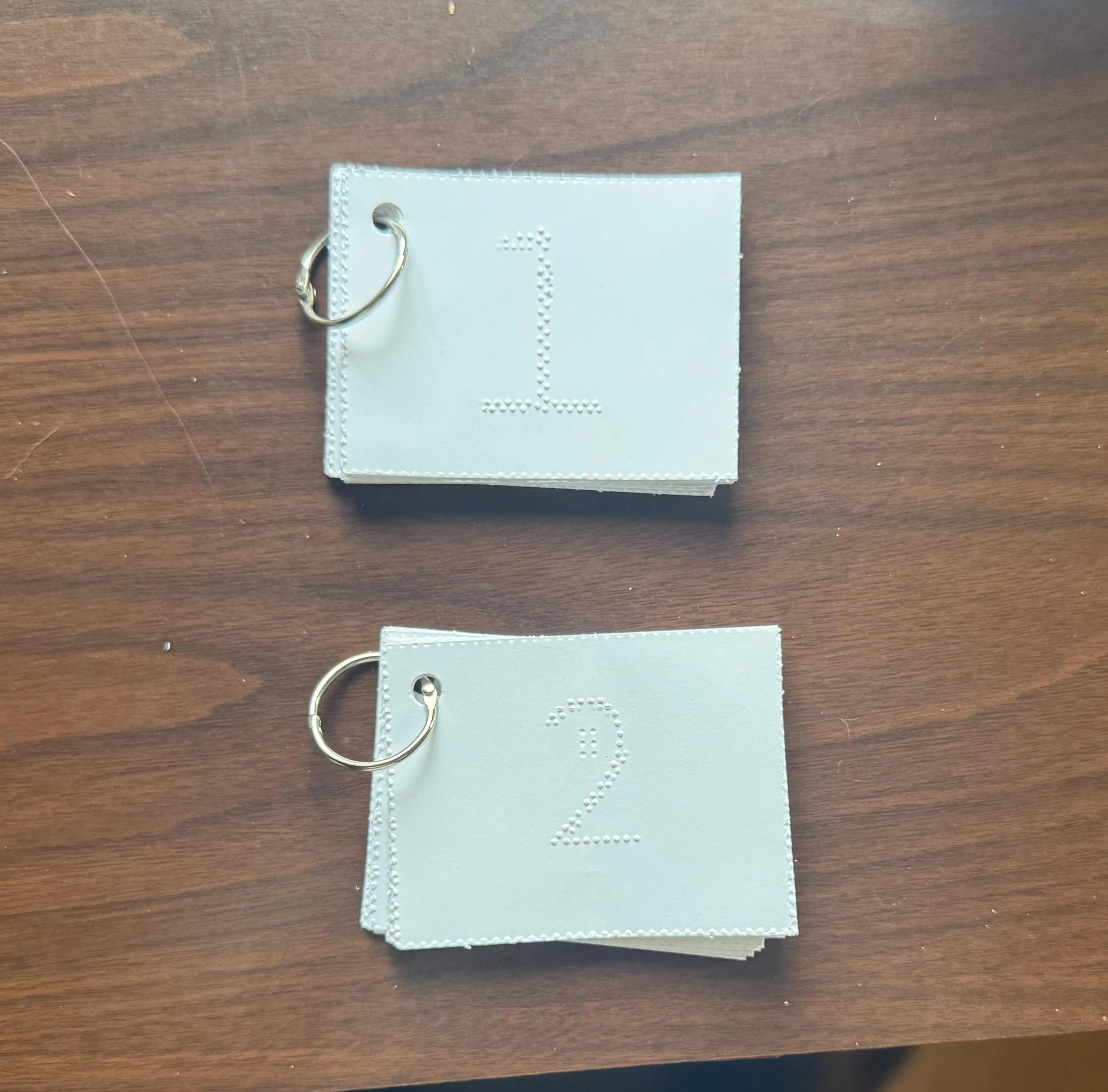
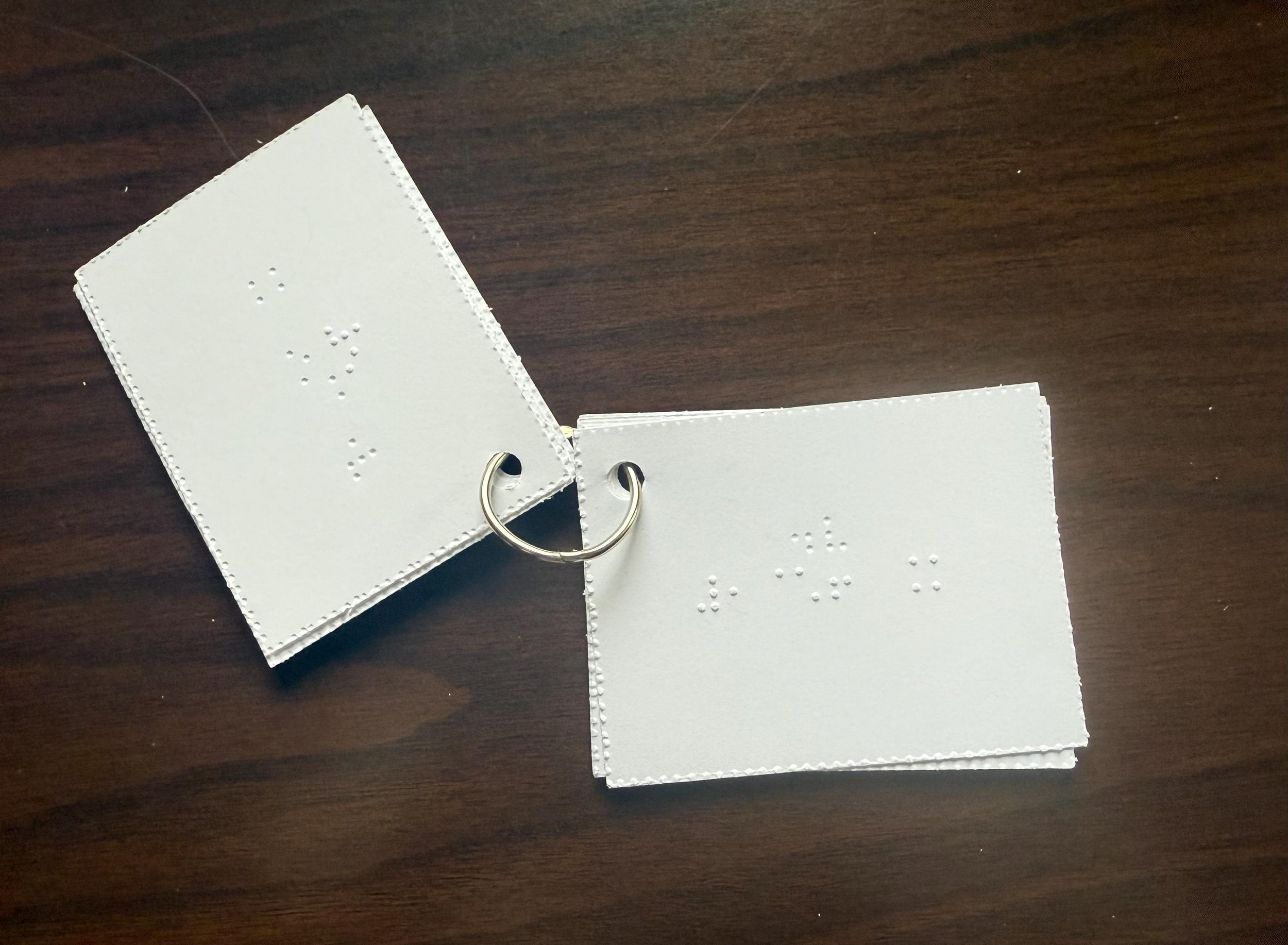
Use cards in landscape orientation, with the metal ring positioned at the top left corner.
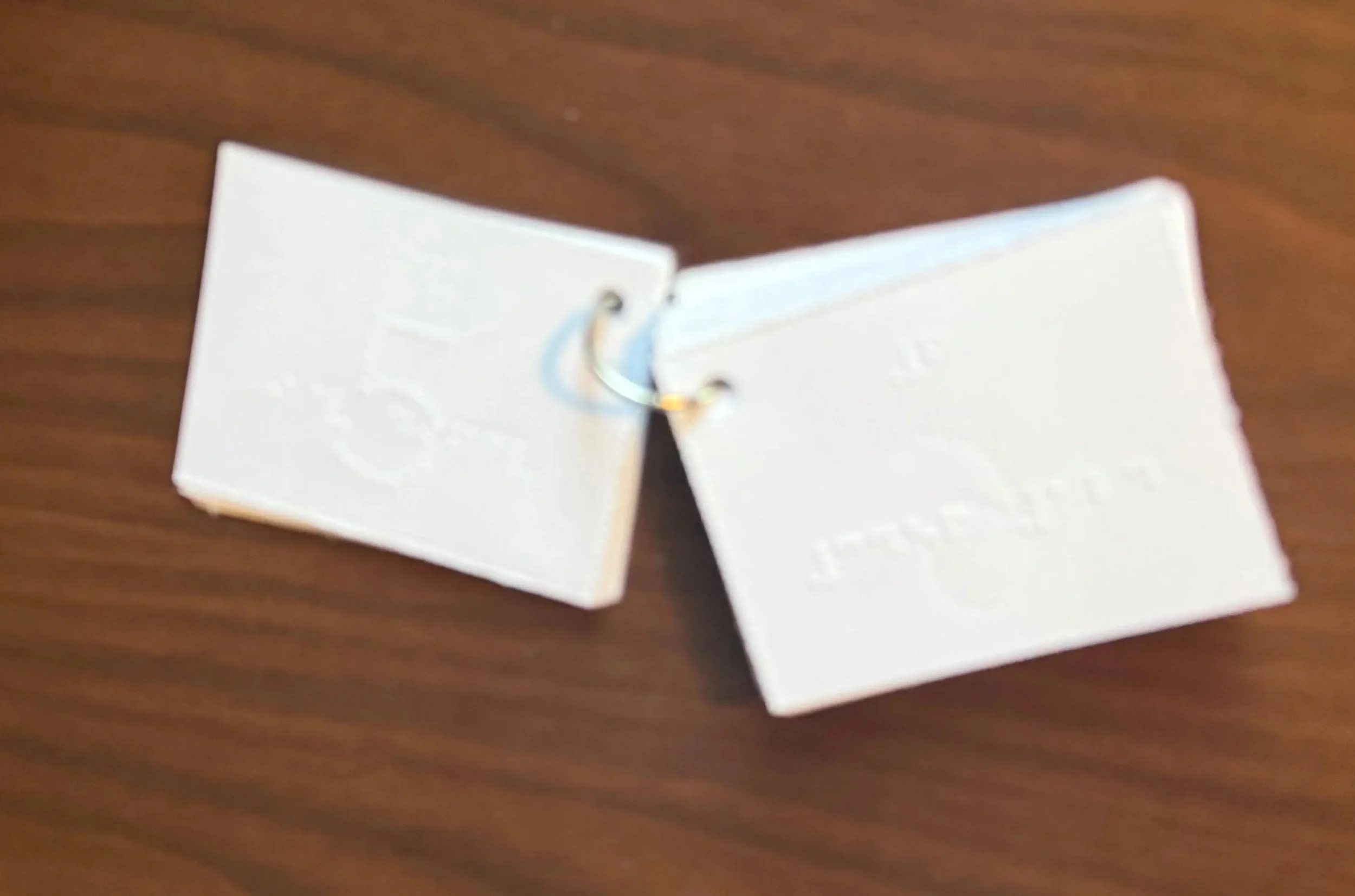
Front of each card includes:
A tactile 8-dot braille character centered near the top.
Braille dot numbers (1–8) located near the bottom center to indicate which dots are used to form the symbol.
On some cards, a full braille cell is also included as a tactile reference—helping learners understand dot positions more easily when forming or identifying symbols.
Back of the card:
Displays the corresponding symbol or character in braille.
These flashcards are 100% tactile—no print—ensuring complete accessibility and independent learning.
Helpful Learning Aids:
Braille dot number guides support memorization of 8-dot configurations.
Full braille cell indicators provide a frame of reference to help learners correctly interpret the placement of dots within the 8-dot system.
Cards encourage tactile pattern recognition and support better comprehension of how symbols appear on electronic braille devices.
Designed for Accessibility & Digital Proficiency:
Ideal for users already familiar with uncontracted or contracted braille who are ready to explore computer braille.
Supports learners preparing to use braille displays, screen readers, and accessible technology more confidently.
Useful for TVIs, assistive tech trainers, and adult learners aiming for increased digital independence.
Great For:
Braille display training
Practicing computer braille symbols
Learning how digital text is represented in braille
Building fluency for screen reader and tech use
This compact set of Computer Braille Flashcards is designed to help blind and low vision learners master the 8-dot braille system used on braille displays and other electronic devices. Aligned with Unified English Braille (UEB) standards, these tactile flashcards support independent, hands-on learning of digital braille symbols.
Tactile and Portable Learning for Braille Display Users
Housed in a small, clear plastic case for easy storage and transport, this all-in-one set makes learning computer braille convenient and accessible—perfect for students, professionals, and anyone using a braille display.
How to Use These Flashcards:
Designed for independent tactile use by individuals who are blind or visually impaired.
Use cards in landscape orientation, with the metal ring positioned at the top left corner.
Front of each card includes:
A tactile 8-dot braille character centered near the top.
Braille dot numbers (1–8) located near the bottom center to indicate which dots are used to form the symbol.
On some cards, a full braille cell is also included as a tactile reference—helping learners understand dot positions more easily when forming or identifying symbols.
Back of the card:
Displays the corresponding symbol or character in braille.
These flashcards are 100% tactile—no print—ensuring complete accessibility and independent learning.
Helpful Learning Aids:
Braille dot number guides support memorization of 8-dot configurations.
Full braille cell indicators provide a frame of reference to help learners correctly interpret the placement of dots within the 8-dot system.
Cards encourage tactile pattern recognition and support better comprehension of how symbols appear on electronic braille devices.
Designed for Accessibility & Digital Proficiency:
Ideal for users already familiar with uncontracted or contracted braille who are ready to explore computer braille.
Supports learners preparing to use braille displays, screen readers, and accessible technology more confidently.
Useful for TVIs, assistive tech trainers, and adult learners aiming for increased digital independence.
Great For:
Braille display training
Practicing computer braille symbols
Learning how digital text is represented in braille
Building fluency for screen reader and tech use